Engineering
Operations
Quality
Companies
Founders
Learn
The book
Company
Get in touch
Teams/AI seats
AI-enabled seats
Any seat can be AI-enabled for +$150/month. Your engineers in our Dhaka office get licensed AI tools that we buy, configure, and supervise — a productivity upgrade on the same one US contract, at flat monthly rates.
seat console · ai-enabled
AI pair assistant
enabled · licensed
Code review helper
enabled · licensed
Docs drafting
enabled · licensed
rollout
in progress
A faster engineer. The same accountable engineer.
AI tools are a productivity upgrade, not a replacement. The engineer in the seat still designs, still reviews, still answers for the work — the tools just clear the repetitive parts out of the way. We license them, configure them, and keep watching what they actually change.
Boilerplate & scaffolding
New services, endpoints, and config stood up in minutes instead of hours. An engineer reviews every line before it lands.
Tests & coverage
Draft test suites generated fast, then tightened by hand. The engineer owns what the tests actually prove.
Refactoring
Large mechanical changes — renames, migrations, cleanup — done quickly. A human decides what changes and signs off on the diff.
Documentation
READMEs, API docs, and runbooks drafted as the code is written. The engineer checks every claim before it ships.
Research spikes
Unfamiliar libraries and approaches explored in an afternoon. Conclusions are verified by the engineer, not taken on faith.
What is included.
One flat add-on covers the tools and everything around them. You don't pick licenses, chase invoices, or configure anything — that's our job.
| Included | What you get | How we handle it |
|---|---|---|
| Licensed AI coding assistant | A commercial coding assistant in the editor | We buy and manage the license |
| Chat model access | A business-grade chat model for everyday questions | Runs under our managed accounts, never personal ones |
| Usage administration | Seats, access, and billing handled end to end | One line item on your invoice, no procurement work |
| Security configuration | Data controls and retention settings, set correctly | Configured and checked before the tools go live |
| Updates as tools evolve | New versions and better tools, swapped in when it makes sense | We track the market so you don't have to |
| Monthly review of what helped | A short, honest read on where the tools earned their keep | Including where they didn't |
The rules the tools run under.
The tools don't change how we vet — the pipeline still decides who sits in every seat. These guardrails decide how the tools get used once they're in it, and they're not optional.
| Guardrail | What it means | Why it matters |
|---|---|---|
| Client code isolation | Your code never goes into consumer AI tools | Your IP stays inside licensed, controlled accounts |
| Access logging | Tool access runs through managed accounts and is logged | You can always see how the tools are being used |
| License compliance | Every tool is licensed for commercial work | No gray-area tooling anywhere near your codebase |
| Human code review, always | AI output ships only after an engineer reviews it | Accountability stays with a person, not a model |
| Opt out anytime | Turn the add-on off for any seat at month end | It's an upgrade, not a lock-in |
How we roll it out.
Five steps from switched-on to reviewed. The tools go live only on managed devices, your team knows the rules before day one, and after a month we look at what actually helped.
- 1Tool setup on managed devices
- 2Policy briefing with your team
- 3Team training on the tools
- 4Usage review after month one
- 5Adjust — or opt out
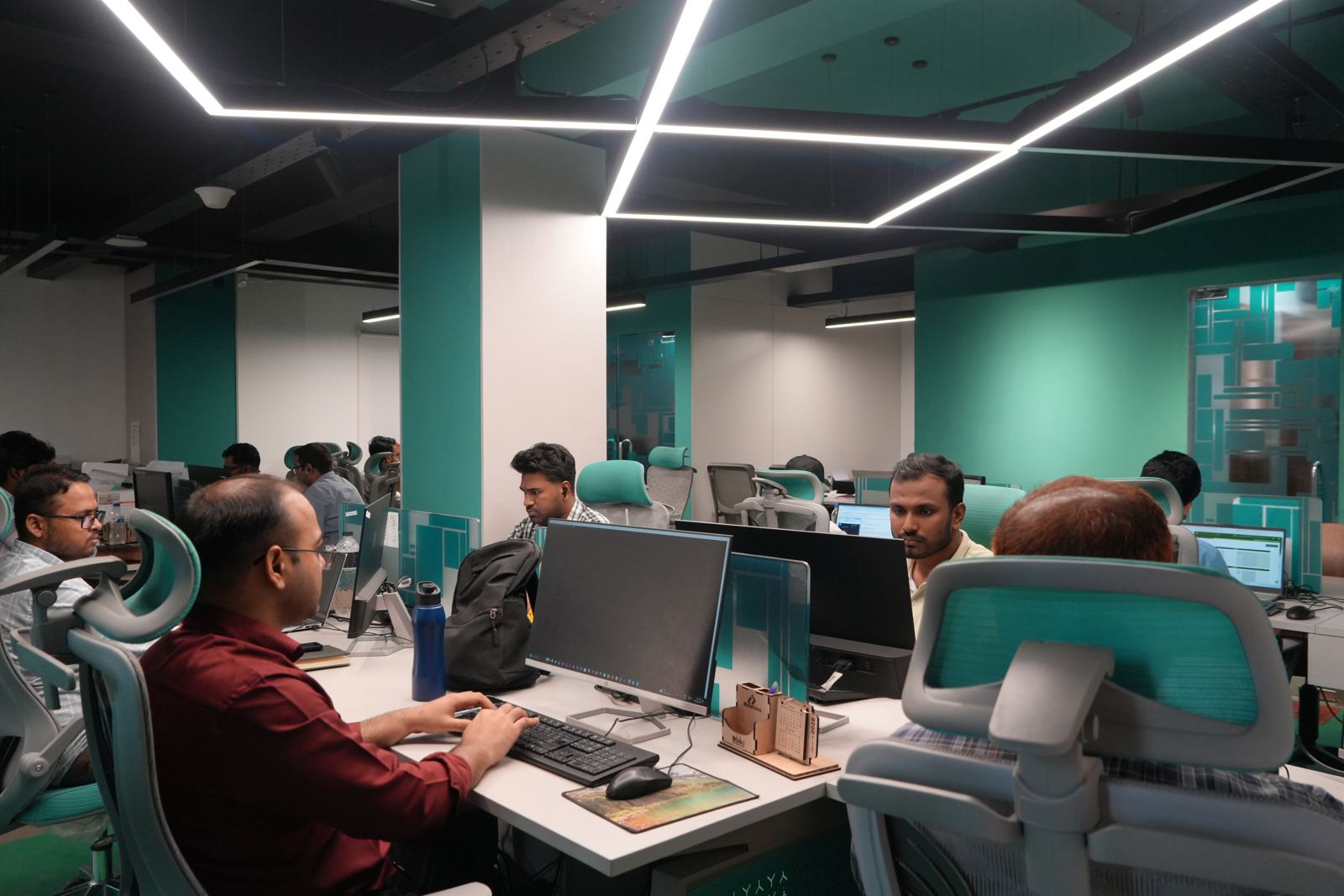

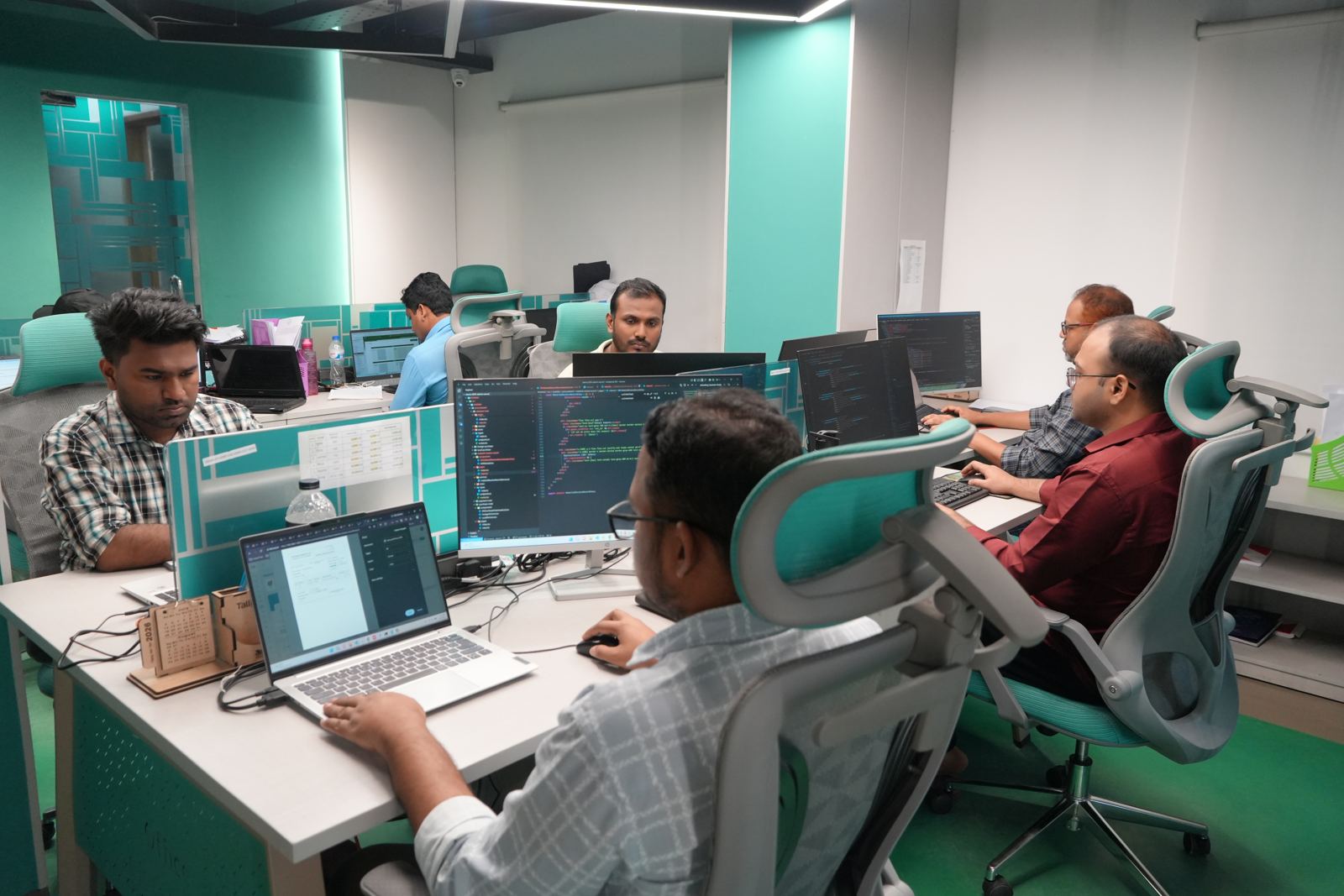
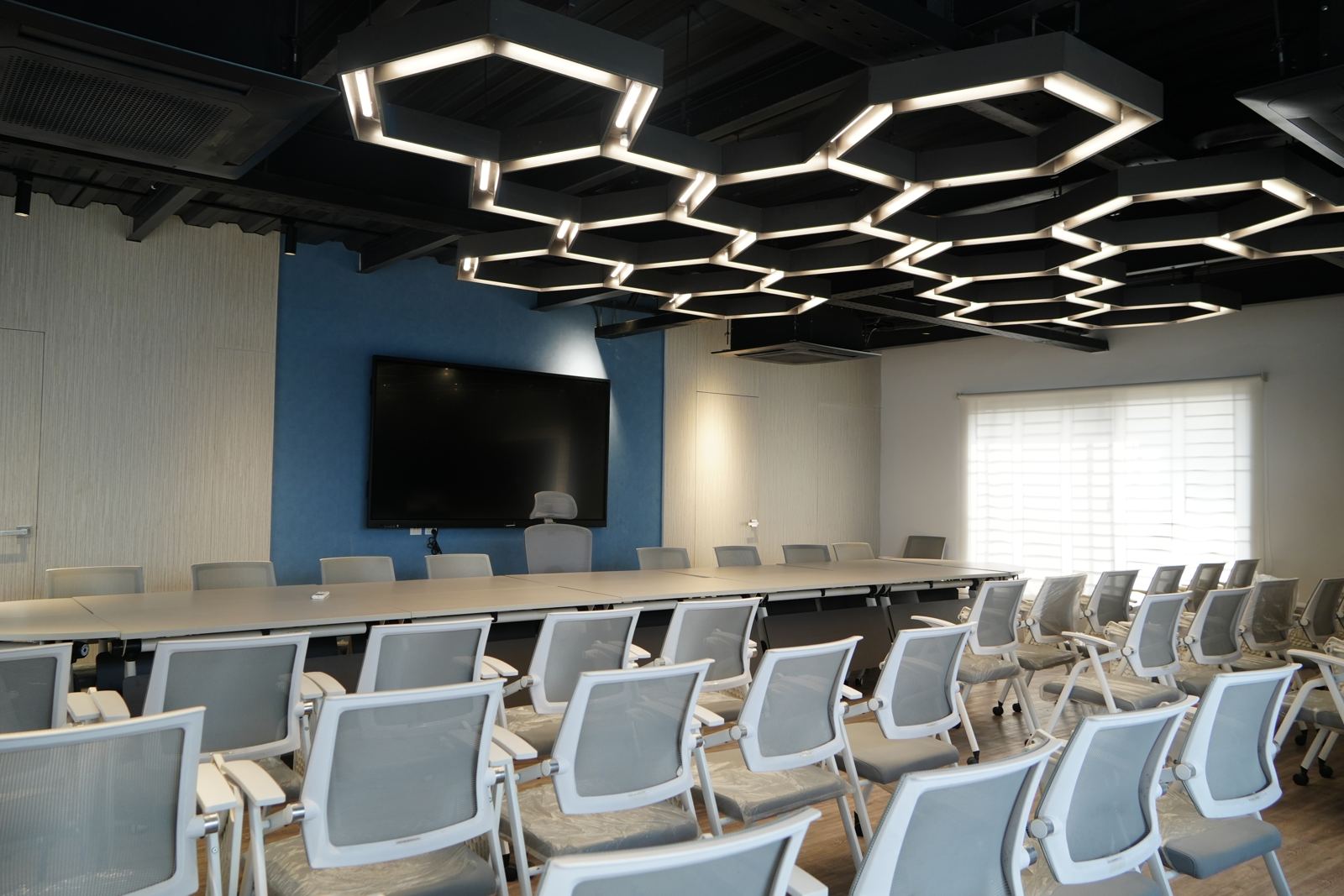
Our office in Dhaka — where your team sits. Real photos, real people.
Frequently asked questions
An AI-enabled seat is a dedicated Girmairi engineer whose seat includes licensed AI tooling that Girmairi buys, configures, and supervises. It is an add-on of +$150/month on any role and any level — the same engineer, the same contract, with managed AI tools layered on top under strict guardrails.
Only on seats where you have switched the add-on on. When you do, the engineer works with licensed AI tooling that runs under Girmairi's managed accounts with guardrails — never under personal accounts — and all tool access is logged.
On an AI-enabled seat, no AI output ships without human code review — always. An engineer reviews the work before it lands, so accountability stays with a person, not a model. The AI tooling is licensed and managed with guardrails rather than used ad hoc.
No. Client code never goes into consumer AI tools — it stays inside licensed tooling managed with guardrails, and access is logged. NDA and IP assignment are also signed with Girmairi LLC, a US company, before any work begins.
The add-on is a flat +$150/month on top of any seat, at any role and level, billed monthly in advance in USD like the rest of your invoice. On fractional founding engineer seats it is included free.
Yes — you can opt out anytime, for any seat. The AI-enabled add-on is an upgrade on the seat, not a lock-in: the engineer, the flat monthly rate underneath, and your contract with Girmairi LLC stay exactly the same.
Girmairi does. The tooling is licensed and managed with guardrails: client code never enters consumer AI tools, access is logged, and human code review is always required. You get the upgrade without buying, configuring, or policing anything yourself.
Yes. On fractional founding engineer seats the AI-enabled add-on is included free — no +$150/month. On every other seat it is an optional add-on you can turn on or off anytime, and every client company also gets one hour per month with Girmairi's founder, a working CTO.
+$150/month on top of any seat.
Any seat, any discipline — same flat monthly rate underneath, one flat add-on on top. Turn it on when you’re ready; turn it off if it isn’t earning its place.