Engineering
Operations
Quality
Companies
Founders
Learn
The book
Company
Get in touch
Offshore Development
How Non-Technical Founders Can Review a Demo Without Understanding Code

Shusmoy Chowdhury
August 16, 2026
13min read
Meta description: A practical software demo checklist for non-technical founders. Test real user flows, mobile behavior, errors, data, and integrations without reviewing code.
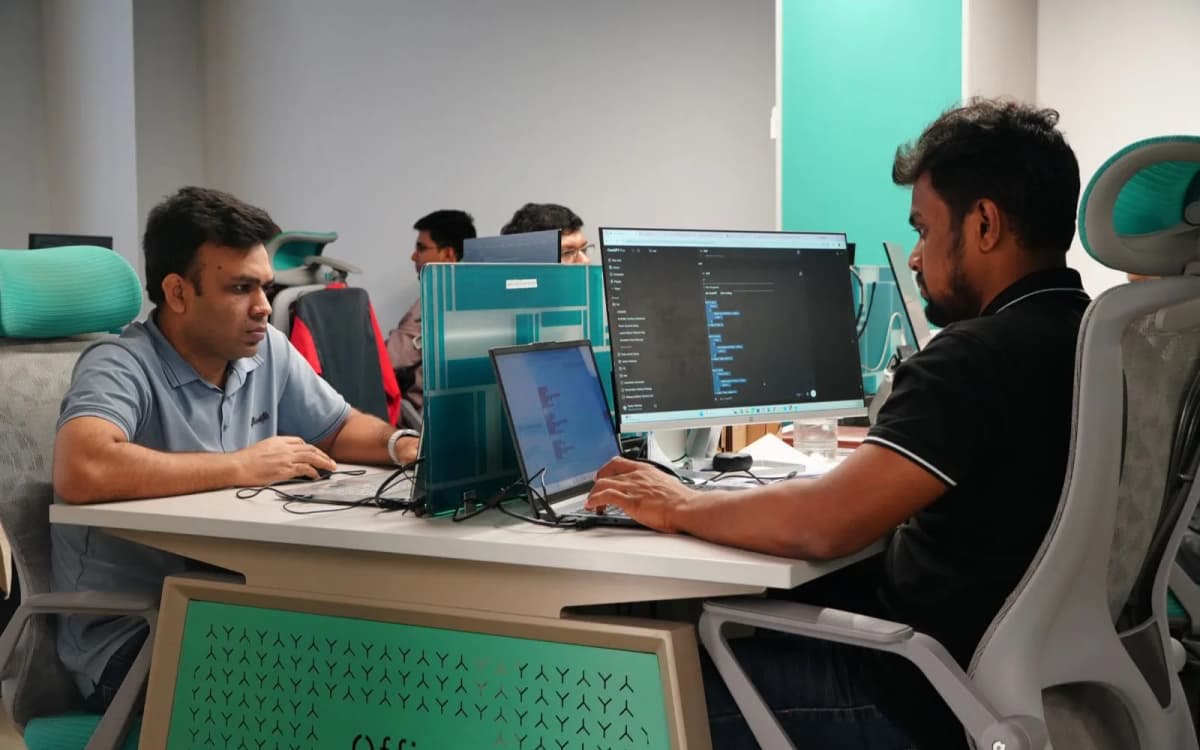
Your developer shares their screen. They log in with a prepared account. They click through the feature quickly. Every field contains perfect data. Every button works. Nothing unexpected happened.
Then they ask: “Does that look good?”
It probably does. But you have not truly reviewed the feature. You have watched someone perform a rehearsed demonstration.
A useful product review begins when you stop watching a demo and start testing like a user.
Key Takeaways
- Ask for control of the product during the demo.
- Test a complete user goal, not a collection of screens.
- Use fresh accounts and realistic information.
- Intentionally make mistakes.
- Check mobile behavior, loading, emails, payments, and stored data.
- Report bugs using what happened and what you expected.
A demo proves visible behavior, not underlying code quality.
What a Software Demo Should Prove
A development demo should answer four questions:
- What can a user do now?
- Does it match the agreed requirement?
- What happens when the user makes a mistake?
- Does the action produce the correct result throughout the system?
A Sprint Review is meant to be a collaborative working session, not merely a presentation. The team shows completed work, stakeholders inspect it, and feedback shapes what happens next. You do not need to understand the code to participate.
Your job is to evaluate whether the product behaves correctly for the people and business it is supposed to serve.
Before the Demo, Ask for Five Things
1. A Working Test Link or App Build
Do not depend entirely on screen sharing. Ask for access to the same environment being demonstrated. For a mobile app, request a test build that can be installed on your device.
2. A Fresh Test Account
Prepared accounts often contain ideal data and special permissions. Ask for a new account or permission to create one during the meeting.
3. The Expected User Journey
The team should state what you are reviewing. For example:
“Today we are reviewing whether a first-time customer can register, choose the Pro plan, pay, and reach the paid dashboard.”
That is clearer than:
“Today we are showing the billing module.”
4. The Acceptance Criteria
Acceptance criteria describe what must be true for the feature to be approved. For a password-reset feature:
- The user can request a reset.
- The email arrives.
- The link expires after the agreed period.
- The user can create a new password.
- The old password stops working.
- Invalid links show clear guidance.
- The flow works on mobile.
5. Known Problems
Ask the team to disclose known defects before the demo begins. This saves time and tests transparency. A good team does not need to pretend that every early build is perfect.
The Non-Technical Founder’s Software Demo Checklist
Test 1: Can You Complete the Main User Goal?
Begin with the most important successful journey. Examples:
- A customer buys a product.
- A patient books an appointment.
- A driver accepts a delivery.
- A manager approves an expense.
- A creator uploads paid content.
- A subscriber upgrades a plan.
Ask to control the mouse or device. Do not allow the developer to tell you every next step unless you become completely stuck. Every moment of confusion is useful evidence.
Test 2: Can a New User Understand the First Screen?
Use a fresh account. Ask:
- Is the next action obvious?
- Does the screen explain why it matters?
- Is there one clear primary button?
- Does the user know whether setup is complete?
- Does an empty dashboard provide guidance?
- Can the user skip unnecessary steps?
A product can contain every promised feature and still lose users because the beginning is confusing.
Test 3: What Happens When You Enter Incorrect Information?
Try to break the form gently. Enter:
- An invalid email.
- A password that is too short.
- A duplicate username.
- A negative number.
- An incorrect date.
- An unsupported file.
- An expired card.
- A blank required field.
Good error handling should explain the problem and help the user correct it. Material Design guidance recommends short, actionable error messages and visible error states. Compare:
“Error 504.”
With:
“We could not save your changes because the connection was interrupted. Check your internet connection and try again.”
The second message helps the user recover.
Test 4: What Happens When There Is No Data?
Ask to see:
- An empty inbox.
- An account with no orders.
- A dashboard before analytics exist.
- A search with no results.
- A new project with no tasks.
- A notification screen with no notifications.
Empty states are part of the product. A blank white page may technically contain no defect, but it still leaves the user confused.
Test 5: Does the Feature Work on a Real Phone?
Do not only resize the desktop browser. Use a physical phone. Check:
- Whether the keyboard covers the active field.
- Whether buttons remain visible.
- Whether text can be read without zooming.
- Whether popups fit the screen.
- Whether menus can be opened and closed.
- Whether the back button behaves correctly.
- Whether the app resumes after being minimized.
- Whether phone permissions are explained.
Mobile testing must account for different devices, configurations, system events, and network conditions. Research on mobile-app testing consistently identifies this variation as a major source of defects that may only appear in real use.
Test 6: What Happens on a Slow or Interrupted Connection?
Temporarily switch networks or disconnect. Then:
- Submit a form.
- Upload a file.
- Make a payment.
- Refresh the page.
- Return to the app.
- Try the action again.
Check whether:
- A loading indicator appears.
- The user receives a useful message.
- Entered information is preserved.
- The action is safely retried.
- Duplicate records or charges are prevented.
Google’s design work on products used with unreliable connectivity illustrates why apps need to support interrupted and offline conditions instead of treating every connection problem as a generic failure.
Test 7: Does the Result Appear Everywhere It Should?
Suppose you update your profile name. Check:
- The profile page.
- The dashboard.
- The account menu.
- Emails.
- The administrator view.
- Any public profile.
- The result after logging out and returning.
A feature may update one screen without correctly updating the underlying information elsewhere.
Test 8: Does the Correct Person Have Access?
Test different roles:
- Customer.
- Administrator.
- Team member.
- Manager.
- Vendor.
- Free user.
- Paid user.
Ask:
- Can a normal user see administrator information?
- Can a team member edit something they should only view?
- Can a free user reach a paid feature through a direct link?
- Can one customer see another customer’s record?
- Does a deleted user remain able to log in?
You do not need to perform a full security audit during the demo. You should still test whether basic permissions match the business rules.
Test 9: Do Emails and Notifications Actually Arrive?
Do not approve a notification feature because the developer shows the code or a log. Use a real test inbox. Check:
- Whether the message arrives.
- How long it takes.
- Whether the sender name is correct.
- Whether the subject is understandable.
- Whether links work.
- Whether the email displays properly on mobile.
- Whether the user receives duplicate messages.
- Whether the message is triggered at the correct moment.
Test 10: What Happens When You Go Back, Refresh, or Repeat the Action?
Users do not move through products in one straight line. Try:
- Pressing back.
- Refreshing.
- Opening two tabs.
- Tapping submit twice.
- Closing the app.
- Returning after several minutes.
- Logging in from another device.
- Repeating an earlier action.
These tests often expose duplicate transactions, lost progress, outdated data, and broken navigation.
A 15-Minute Demo Test for Busy Founders
When time is limited, use this order.
Minutes 1–3: Complete the Main Journey
Use a fresh account and attempt the main user goal without instructions.
Minutes 4–6: Make Three Mistakes
Use incorrect data, leave a field blank, and repeat an action.
Minutes 7–9: Test on Mobile
Open the same feature on your phone and complete its most important step.
Minutes 10–12: Verify the Result
Check emails, dashboards, payments, permissions, or administrator records.
Minutes 13–15: Record Decisions
Classify every finding as:
- Must fix before approval.
- Important but can follow.
- Minor improvement.
- New request outside the original scope.
This prevents every comment from becoming an emergency.
How to Report an Error Without Technical Language
Use this format:
What I Was Trying to Do
I was trying to purchase the monthly plan as a new customer.
What I Expected
I expected the payment to complete once and the paid dashboard to open.
What Happened
The loading symbol continued for approximately 20 seconds. I pressed the button again and received two confirmation emails.
Where It Happened
iPhone, Safari, test environment.
Evidence
Screen recording and both confirmation emails attached.
Severity
Critical because the user may be charged or recorded twice.
This is much more useful than saying: “The payment page is broken.”
Use This Simple Severity System
Critical — The problem involves security, data exposure, money, lost information, app crashes, or an inability to complete the product’s main purpose.
High — An important journey fails, but a workaround may exist.
Medium — The feature works but creates meaningful confusion or inconvenience.
Low — The problem is mainly visual, grammatical, or cosmetic.
Severity helps the team fix problems in the correct order. It also prevents the loudest person in the meeting from turning every minor issue into the top priority.
Do Not Turn the Demo Into a New Feature Meeting
During a review, founders often begin adding ideas:
- Can we add another filter?
- Could this screen also include reports?
- What if we add AI here?
- Can users share this on social media?
- Could we redesign the menu?
Some ideas may be useful. But they are not defects unless they were part of the agreed requirement. Keep three separate lists:
- Bugs.
- Missing acceptance criteria.
- New feature ideas.
This protects the scope and prevents disagreement about whether the original work was completed.
What the Demo Cannot Prove
A successful demo does not automatically prove that:
- The code is maintainable.
- The system is secure.
- The app will support thousands of users.
- Automated tests exist.
- The database is designed correctly.
- Future developers can understand the code.
- Backups and monitoring are configured.
- The product meets legal or privacy requirements.
Non-technical founders publicly identify this as a central risk: even when an MVP appears to work, they may be unable to judge whether the underlying code follows good practices or can be maintained and scaled. You need two forms of review:
- Product review: Does the product work correctly for users?
- Technical review: Is it built safely and maintainably?
You can lead the first. A qualified technical lead, independent reviewer, or trusted development partner should handle the second.
Demo Red Flags
Be cautious when the team:
- Will only share a recorded video.
- Refuses to let you control the product.
- Uses only one prepared account.
- Avoids incorrect inputs.
- Cannot provide the test environment.
- Does not show mobile behavior.
- Says errors will be handled later.
- Cannot explain what was tested.
- Marks the feature approved before you complete the journey.
- Becomes defensive when a defect appears.
A demo is not a performance where the team must look perfect. It is a working session where both sides learn what the product needs next.
How Girmairi Helps Founders Review Work Without Learning Code
Girmairi’s development model is built around technical leadership that communicates in business language, full-cycle delivery, continuous collaboration, transparent feedback loops, and clean documented code. For a non-technical founder, that translates into a more reviewable process:
- Every demo begins with an agreed user outcome.
- The founder receives direct access to the product.
- Known defects are discussed openly.
- Mobile and error cases are included.
- Technical risks are translated into business consequences.
- Feedback is recorded against acceptance criteria.
- New requests are separated from actual bugs.
- The founder leaves knowing what was approved and what happens next.
This is one reason Girmairi can stand out among offshore development options. The team is not simply positioned as people who receive tickets and return code. The approach includes planning, technical guidance, user-focused discovery, direct collaboration, shipping, and continued support.
That is the level of ownership a non-technical founder needs.
Frequently Asked Questions
Can a non-technical founder properly test an app?
Yes. A founder can test user journeys, business rules, messages, permissions, mobile behavior, payments, notifications, and expected outcomes without reading code.
What should I ask during a software demo?
Ask what user goal is being demonstrated, which acceptance criteria were completed, what was tested, what failed, what remains unfinished, which risks exist, and what you should personally test.
Should I accept a recorded software demo?
A recording can provide a useful update, but it should not replace access to a working test environment for important features.
What is user acceptance testing?
User acceptance testing checks whether the software supports the real-world tasks and business requirements expected by users and stakeholders.
How do I test an app for errors?
Use incorrect information, empty fields, duplicate actions, interrupted connections, fresh accounts, different user roles, real phones, page refreshes, and back navigation.
Does a successful demo mean the code is good?
No. A product may behave correctly during a demonstration while containing weak architecture, security risks, poor documentation, or maintainability problems. Product testing and technical review serve different purposes.
More on Offshore Development
All articles →
Why Your Offshore App Looks Finished but Feels Broken
Your offshore app looks finished in the demo but breaks for real users. Learn the six signs and the simple tests non-technical founders can run bef…

Saba Mahjamin
Aug 16, 2026 · 10 min read
12 Questions to Ask Your Offshore Development Team Weekly
Stop asking your developers, “How is it going?” Use these 12 weekly questions to uncover real progress, blockers, risks, testing, and decisions.
Saba Mahjamin
Aug 16, 2026 · 12 min read
How to Stop Paying for Offshore Development Work You Cannot Verify
Learn how non-technical founders can stop paying for offshore development work they cannot verify using demos, release notes, test links, and clear…

Shusmoy Chowdhury
Aug 16, 2026 · 11 min read